EJB : Java Messaging Service [ JMS ]
| What is JMS ( Java Messaging Service )? |
- JMS is an acronym used for Java Messaging Service. It is Java’s answer to creating software using asynchronous messaging. It is one of the official specifications of the J2EE technologies and is a key technology
- In RPC the method invoker waits for the method to finish execution and return the control back to the invoker. Thus it is completely synchronous in nature. While in JMS the message sender just sends the message to the destination and continues it’s own processing. The sender does not wait for the receiver to respond. This is asynchronous behavior
- JMS is asynchronous in nature. Thus not all the pieces need to be up all the time for the application to function as a whole. Even if the receiver is down the MOM will store the messages on it’s behalf and will send them once it comes back up. Thus at least a part of application can still function as there is no blocking.
- A topic is typically used for one to many messaging i.e. it supports publish subscribe model of messaging. While queue is used for one-to-one messaging i.e. it supports Point to Point Messaging.
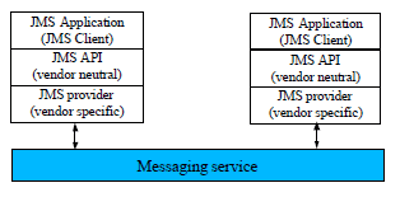
- JMS is a set of Java interfaces and associated semantics (APIs) that define how a JMS client accesses the facilities of a messaging system
- Supports message production, distribution, delivery
- Supported message delivery semantics
- Synchronous or Asynchronous
- transacted
- Guaranteed
- Durable
JMS Architecture
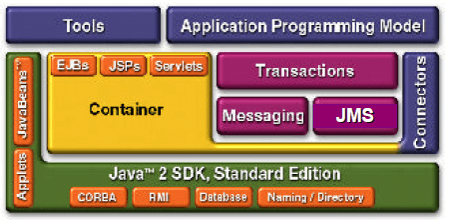
JMS and J2EE
Messages are the means of communication between messaging applications
Message Body
- Holds content of message
- Several types supported
-
Each type defined by a message interface:
- StreamMessage : -Contains Java primitive values
- MapMessage :- Holds name/value pairs
- TextMessage
- ObjectMessage
- BytesMessage :- Uninterpreted bytes
To create a simple TextMessage:
TextMessage message = session.createTextMessage();
message.setText("greetings from Javaskool");
          publisherObj.publish(message);
To create a simple ObjectMessage:
ObjectMessage message = session.createObjectMessage();
message.setObject(myObject);
publisherObj.publish(message);
Steps for Building a JMS Sender Application
1. Get ConnectionFactory and Destination object (Topic or Queue) through JNDI
2. Create a Connection
3. Create a Session to send/receive messages
4. Create a MessageProducer (TopicPublisher or QueueSender)
5. Start Connection
6. Send (publish) messages
7. Close Session and Connection
JMS Architecture : Connecting
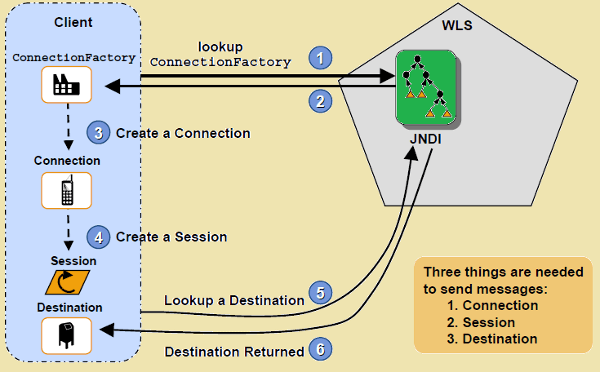
JMS Architecture : Sending

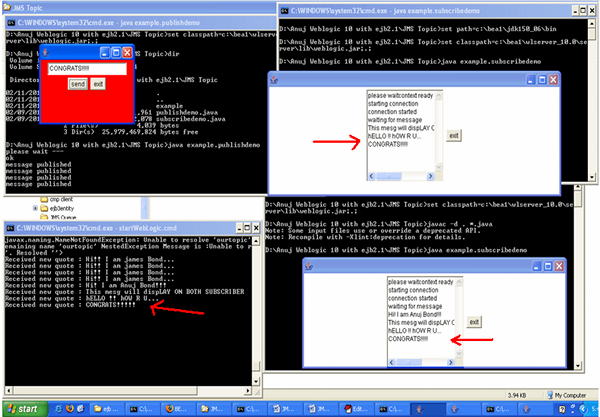
| Example of JMS Topic |
Click here to Download the code
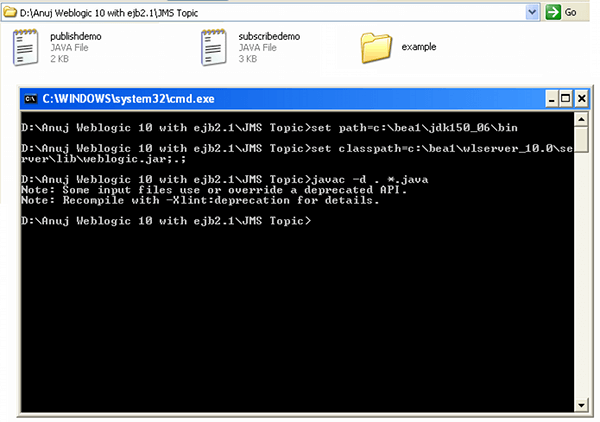
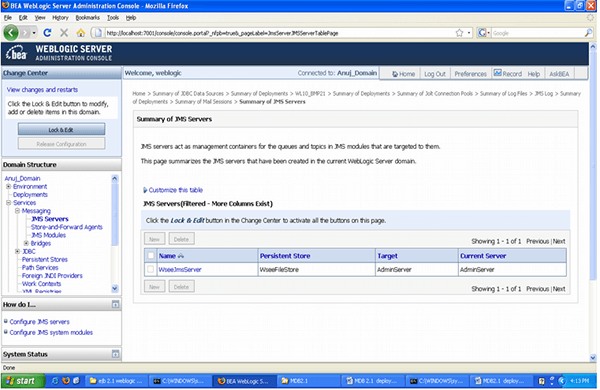
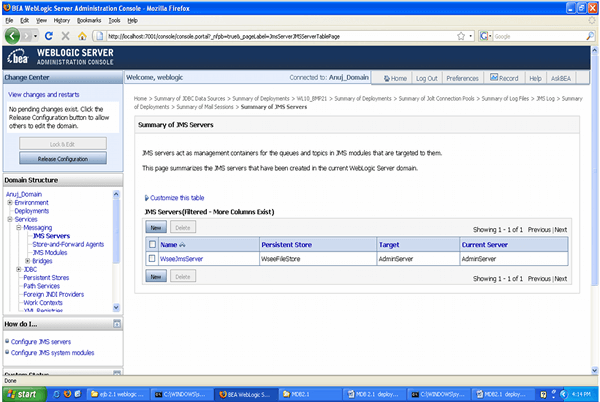
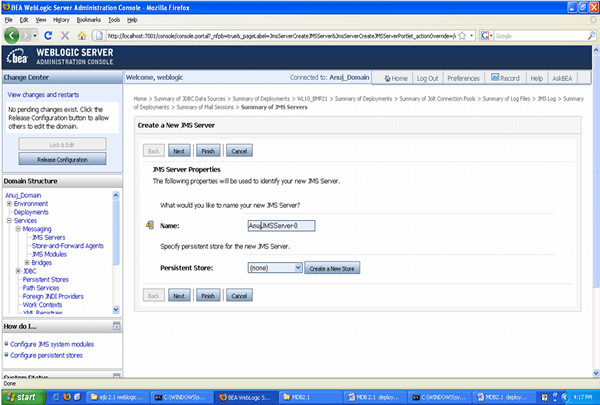
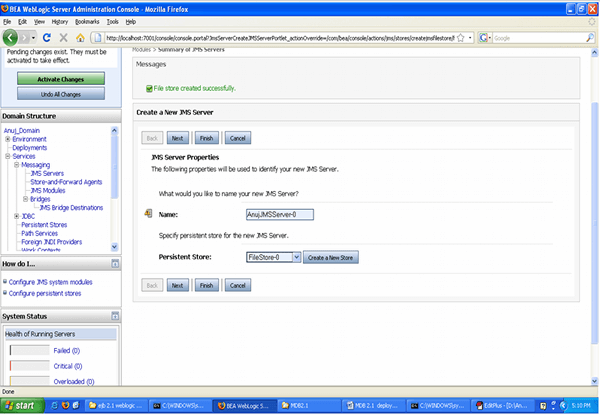
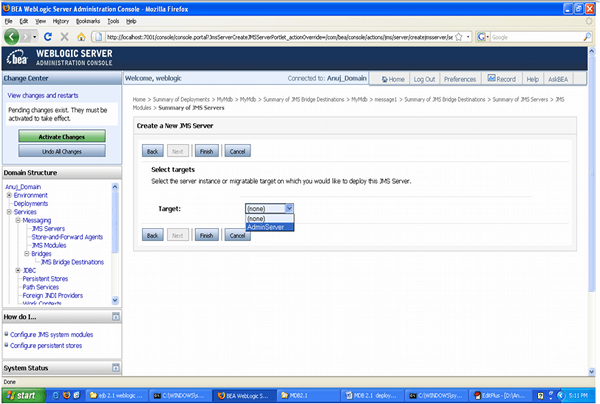
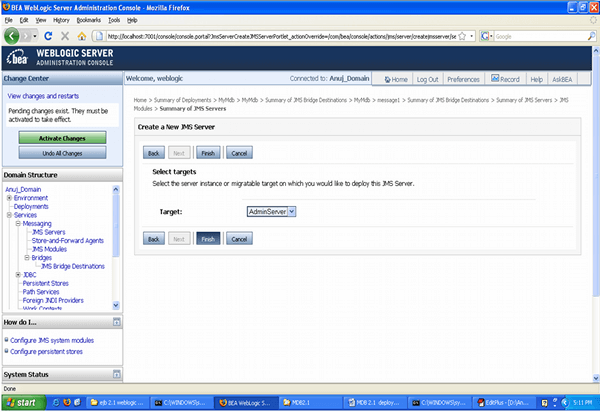
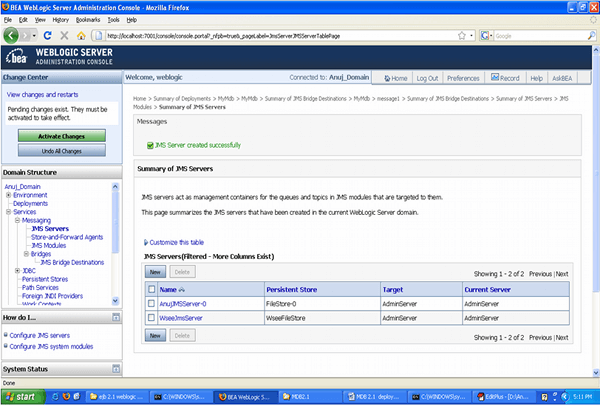
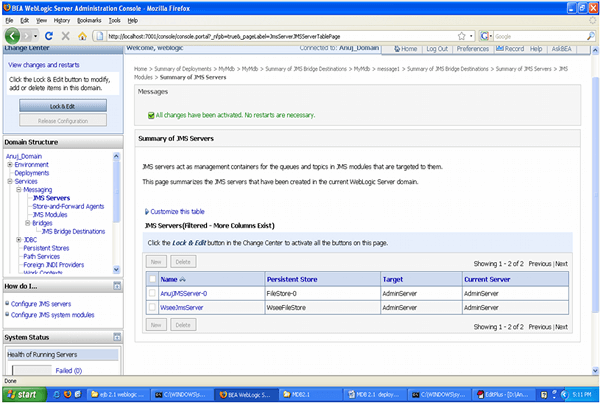
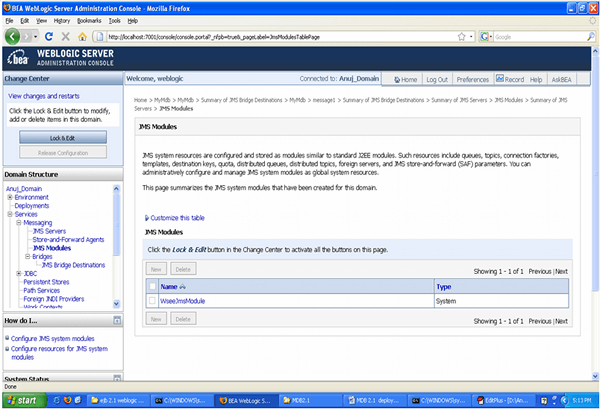
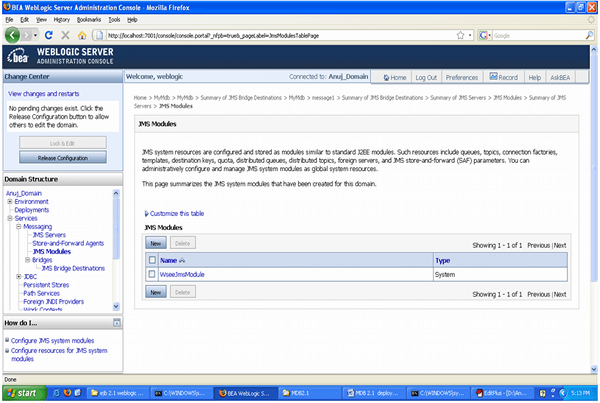
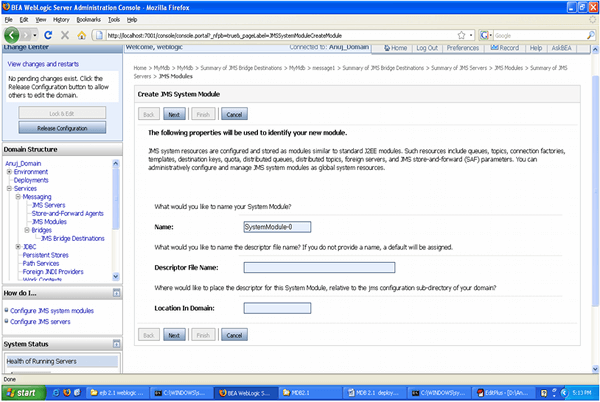
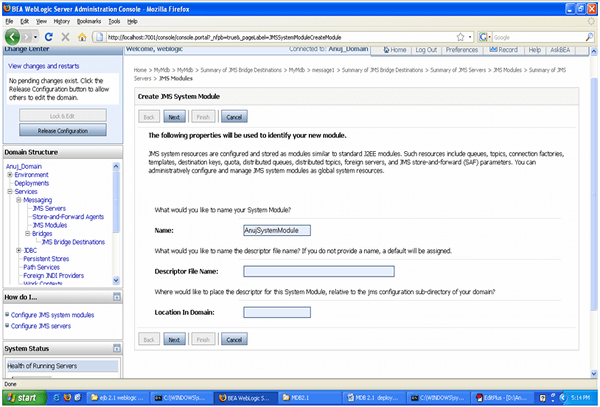
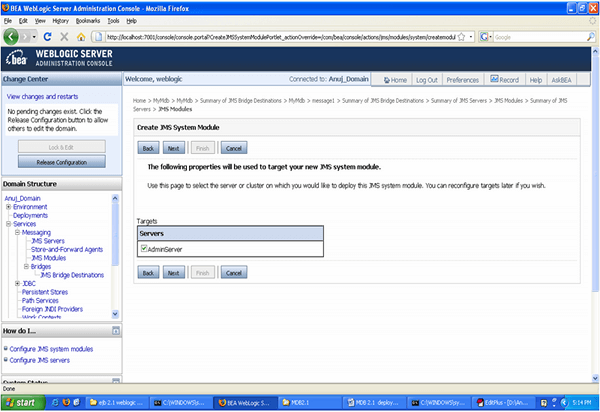
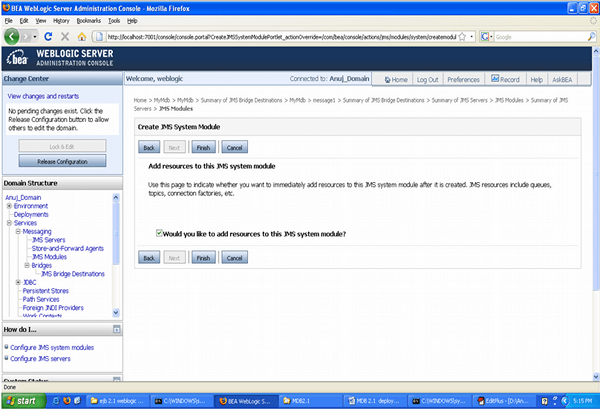
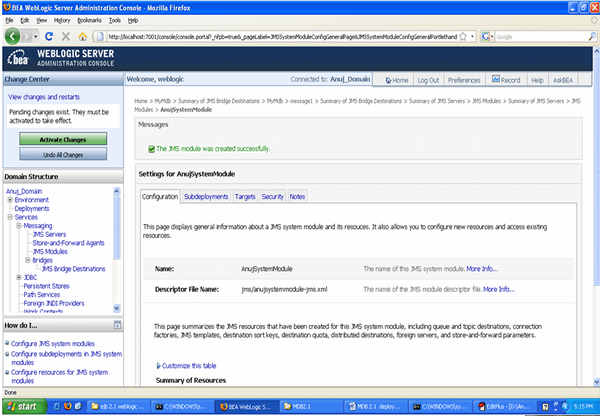
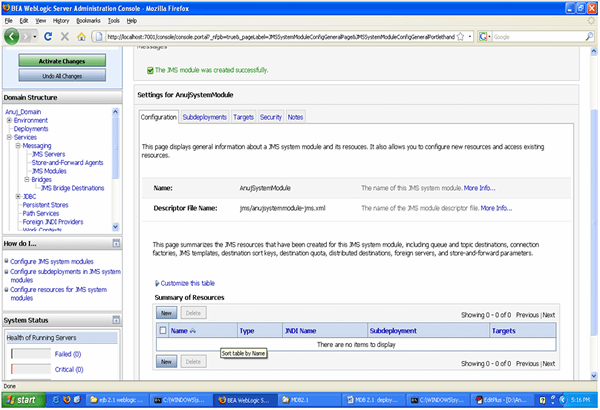
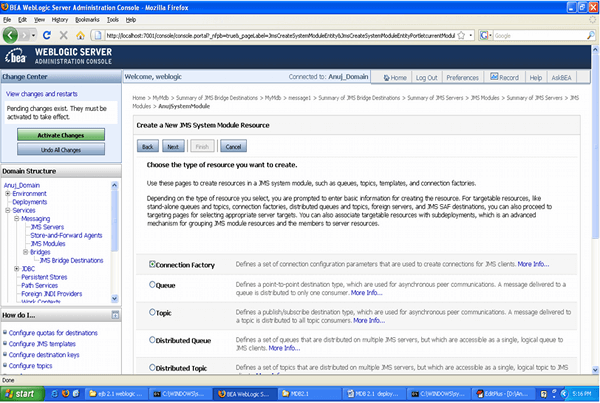
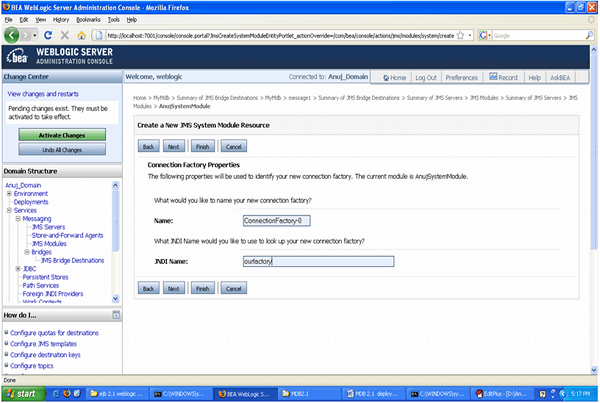
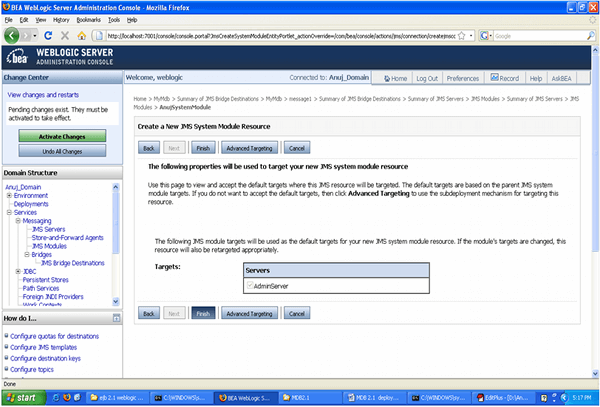
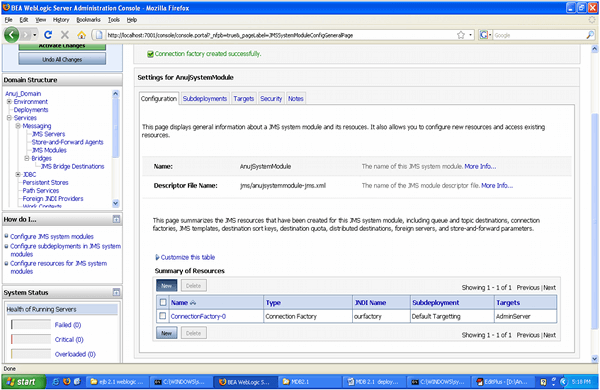
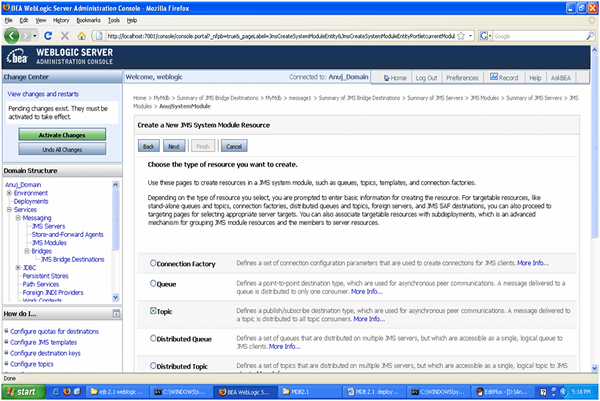
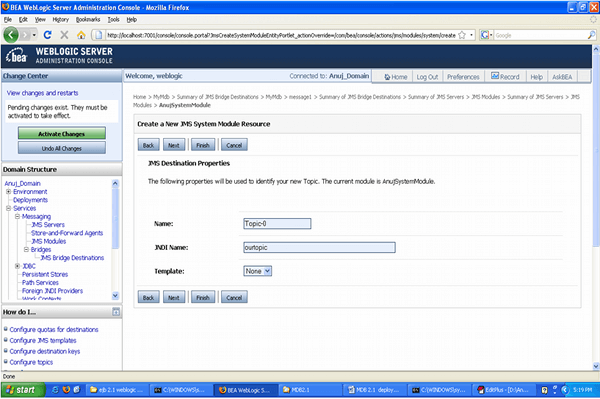
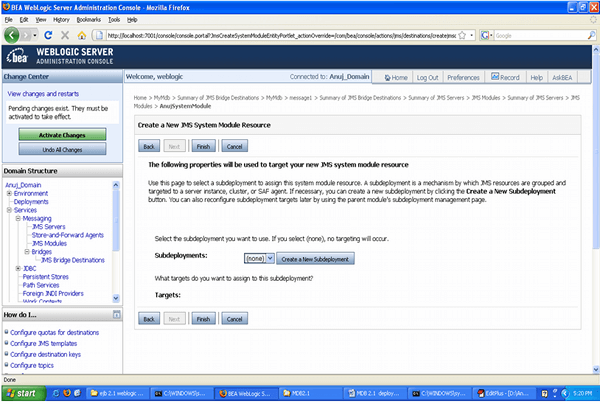
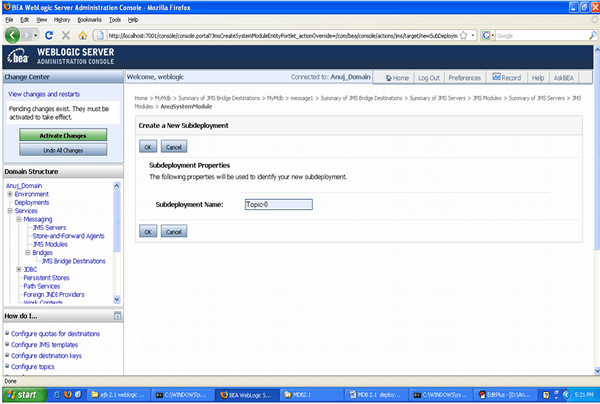
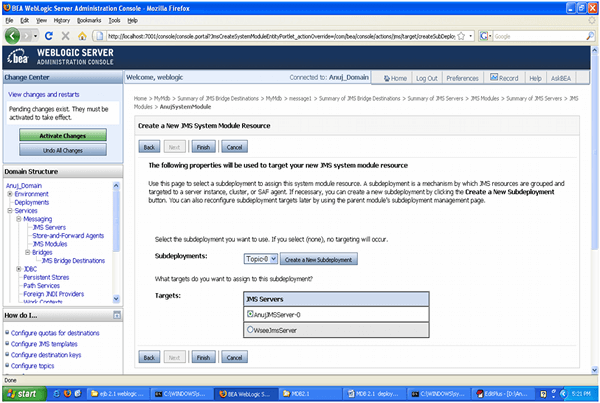
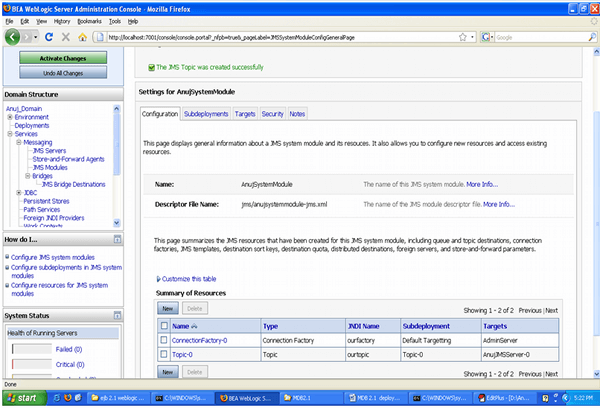
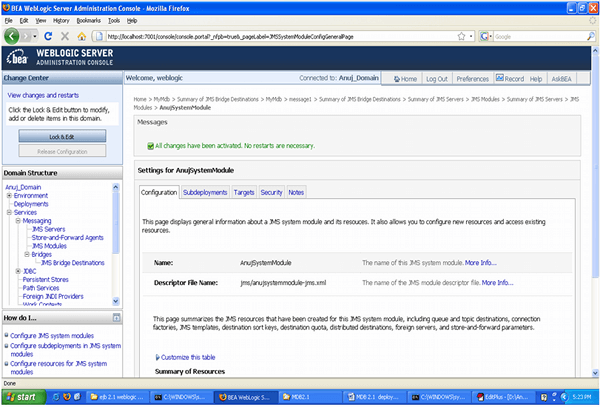
Run the Publisher and subscribers Application


Recent Comments